Quick answer
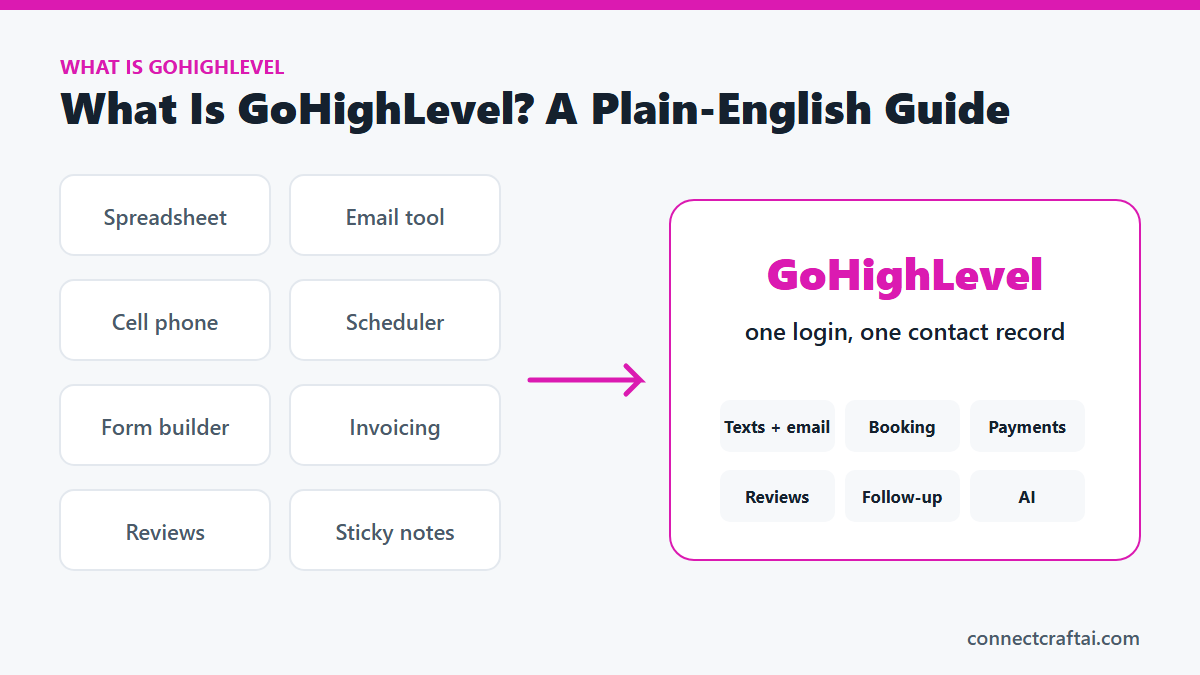
GoHighLevel is one piece of software that holds your customer list, texts, emails, booking calendar, forms, invoices, reviews and follow-up in one place. It costs $97 a month to start, plus usage for texts, calls and AI. Its job is simple: stop leads and repeat customers from falling through the cracks.
You know the feeling. You are elbow-deep in a job, your phone buzzes with a customer's text, a form sits unread in your inbox, and the review request you meant to send last Tuesday never went out.
So what is GoHighLevel? It is the system that does the remembering for you. I run my own business on it and build it for small businesses, so here is the plain-English version: what each part does, what it costs, who it fits, and how to set it up in a week.
Some links in this post are affiliate links. If you sign up through them, I may earn a commission at no extra cost to you. I only recommend GoHighLevel because I run my own business on it.
In this guide
- The quick answer
- The problem it solves: tool sprawl
- What GoHighLevel does, in plain English
- A day in the life
- Who it fits, and who it doesn't
- What it costs
- What you need before you start
- Your first-week plan
- Common mistakes to avoid
- Frequently asked questions
The quick answer
GoHighLevel is a CRM with marketing and booking tools built in. CRM stands for customer relationship management, which is a plain way of saying "the place where you keep track of everyone who has done business with you, and everything you have said to them."
Most CRMs are a contact list with notes. GoHighLevel adds the parts a local service business uses every day: texting, email, a booking calendar, forms, invoices, review requests and automatic follow-up.
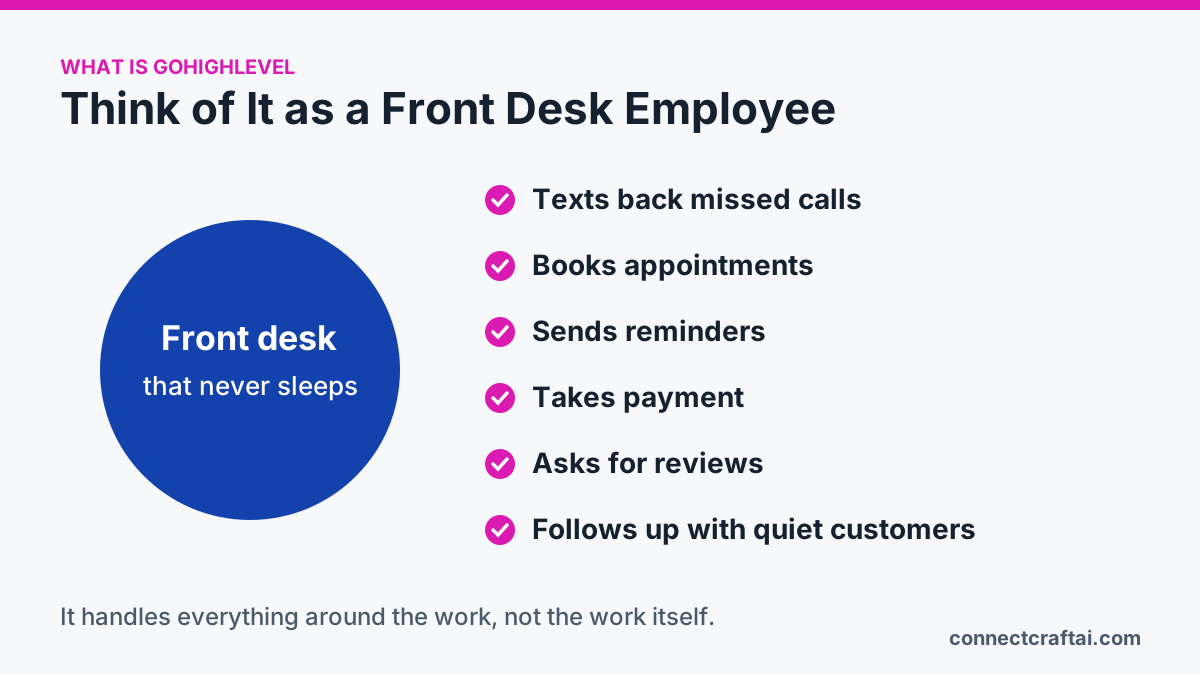
Think of it as a front desk employee who never sleeps. It texts back the missed call before the customer dials the next business. It knows every customer's last visit. It books appointments, sends reminders, takes payment, asks for a review at the right moment and nudges quiet customers to come back. It never loses a phone number on a scrap of paper.
It will not detail cars, clean houses or fix furnaces. It handles everything around the work: the messages, the bookings, the paperwork and the follow-up.
The problem it solves: tool sprawl
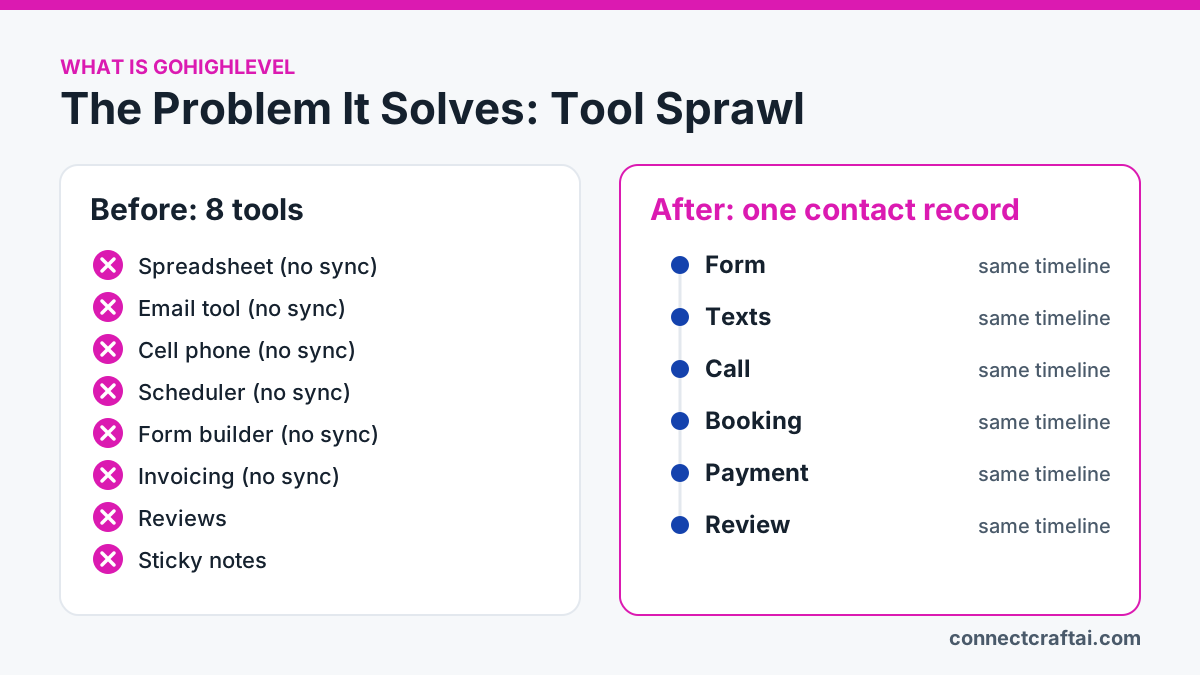
Most local business owners never set out to buy eight pieces of software. They collect them. A spreadsheet for customers. An email tool. A scheduling app. A form builder. An invoicing app. Each one seemed cheap at the time.
The trouble is that none of them talk to each other. A lead fills out your form and your booking app never hears about it. Someone texts your personal phone and that conversation lives nowhere near their customer record.
| The job | What owners usually use |
|---|---|
| Customer list | A spreadsheet, notebook or phone contacts |
| Email marketing | A separate email tool |
| Texting customers | A personal cell phone |
| Booking | A paper calendar or scheduling app |
| Website and forms | A website builder plus a form tool |
| Invoices and payments | An invoicing app and a card reader |
| Reviews | Asking whenever you remember |
| Follow-up | Sticky notes and good intentions |
The real win is not fewer subscriptions, though you may get that too. It is one contact record. When a customer calls, texts, fills out a form, books, pays and leaves a review, it all lands on one timeline under one name. I wrote more about this in how to fix tool sprawl.
What GoHighLevel does, in plain English
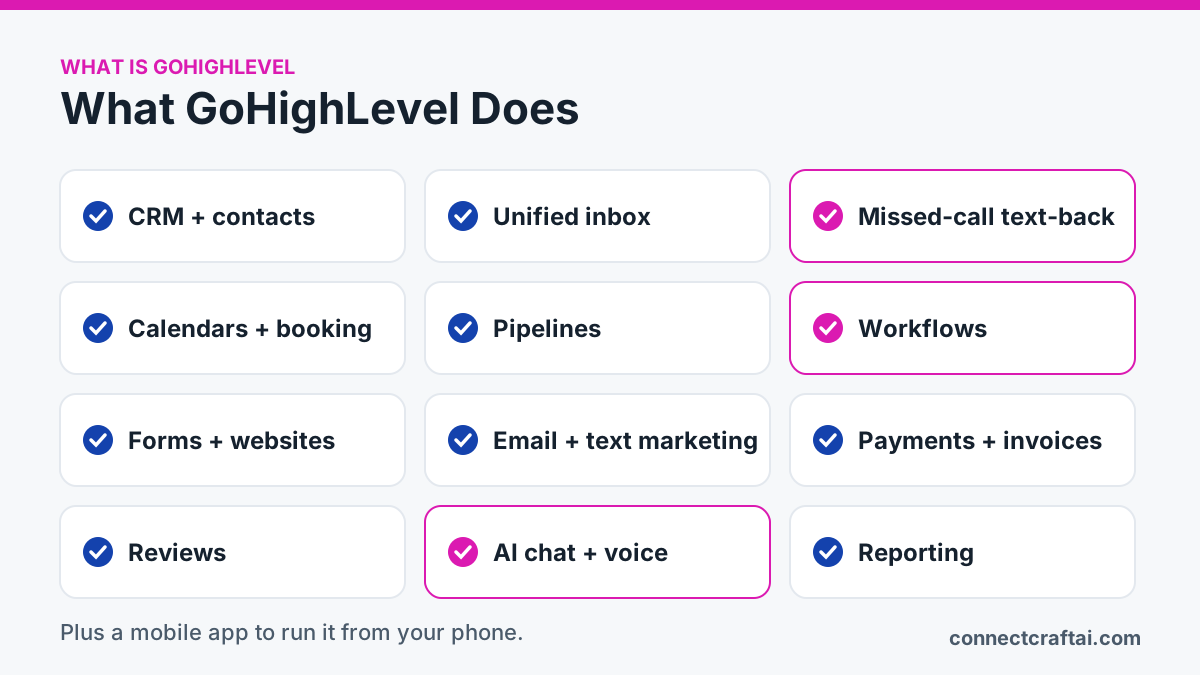
Here is each part, with what it means for you rather than what it is called.
CRM and contacts
Every lead and customer lives in one list, with notes, tags and every message and appointment. You can pull anyone up in three seconds and see exactly where things stand.
Unified inbox
Texts, emails, web chat, Facebook and Instagram messages arrive in one screen. You check one place in the morning and you are caught up.
Missed-call text-back
When you miss a call, the caller gets a text within seconds: "Sorry we missed you, how can we help?" A lead who would have called your competitor gets an answer while you are under a sink. More on that in The $500 Voicemail Problem.
Calendars and booking
Customers book themselves into your real availability, and reminders go out on their own. Fewer phone-tag loops and fewer no-shows.
Pipelines
A pipeline is a board of stages, like new lead, quoted, booked, completed. You see who is waiting on you instead of trying to remember who you owe a quote.
Workflows
A workflow is automation: when X happens, do Y. When a form comes in, send a text. When a job is marked complete, wait a day and ask for a review. The follow-up happens whether you remember or not.
Forms, funnels and websites
Build a form, a booking page or a small website, all connected to your contacts. A new inquiry becomes a contact with follow-up already attached, not just an email.
Email and text marketing
Send a promotion, a seasonal reminder or a newsletter to customers you have tagged. Fill a quiet week in minutes, from your phone.
Payments and invoices
Send an invoice, take a card payment and keep the record on the customer. Less chasing, and one place to check at tax time.
Reviews
Happy customers get asked for a review at the right moment, and you reply from the same screen. Your review count grows steadily instead of in panicked bursts.
AI chat and voice agents
An AI chat agent answers questions on your website and in texts. A voice agent answers calls you cannot pick up. Both need a knowledge base, which is a written list of your services, hours, service area, prices and what you do not do. Without it, they guess. I break these down in GoHighLevel AI Tools Explained.
Reporting
See how many leads came in, where they came from, how many booked and how many paid. Stop guessing which marketing works.
Mobile app
Reply, book and take payment from the driveway, not just a desk.
A day in the life
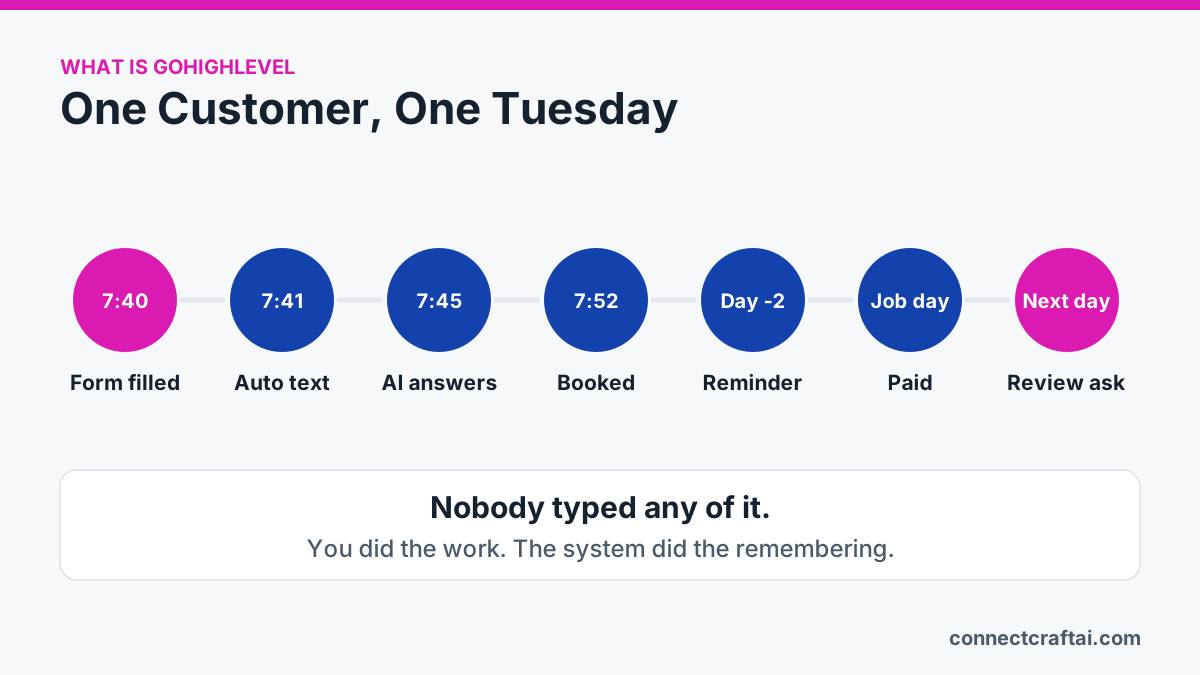
Here is one customer on a normal Tuesday.
- 7:40 a.m. Someone finds you on Google and fills out your form.
- 7:41 a.m. They get a text: "Thanks for reaching out, we will call you shortly." They stop shopping around.
- 7:45 a.m. They ask if you cover their area. The AI chat agent answers and offers two times.
- 7:52 a.m. They book. A confirmation goes out and the form, texts and appointment all sit on one timeline.
- Two days before: a reminder goes out on its own.
- Job day: you finish, mark it complete and take payment from your phone.
- Next morning: a review request goes out, followed later by a "time to book again" message.
Nobody typed any of it. You did the work. The system did the remembering.
How it looks for four kinds of business:
- Car detailer. Missed-call text-back catches three callers while you are in the bay, and one books a ceramic coating. Six months later, a workflow nudges them about a maintenance wash.
- Cleaning company. Recurring clients pay by invoice link each month. When a client cancels, they move to a win-back stage and get a friendly offer three weeks later.
- Salon. Clients book their own color appointments, reminders cut no-shows, and a rebook text goes out four weeks later.
- Pet services. A new client's form saves the dog's name, size and vet details on the contact, so whoever does the walk knows what they need before they knock.
This post is part of the complete GoHighLevel guide, which links every related article in one place.
Sources
Outside pages this guide relies on (checked November 22, 2026):
See how this would work for your business
Book a free 15-minute call. We'll look at how you handle leads now and find the two or three automations that would save you the most time.
Book a free call →Who it fits, and who it doesn't
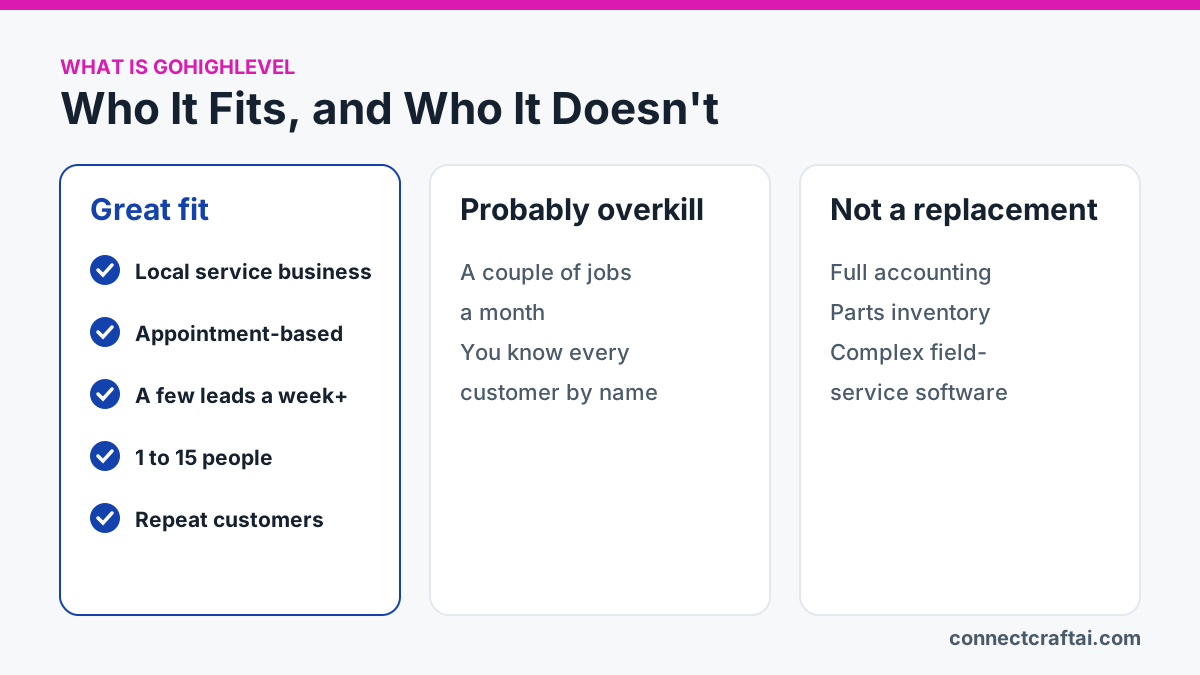
A great fit if you run a local service or appointment business with a handful of leads a week or more, 1 to 15 people, and a mix of calls, texts, forms and repeat customers. If you lose inquiries because nobody answered, or forget who you promised to call back, this fixes a real problem.
Probably overkill if you do a couple of jobs a month and know every customer by name. A notebook and a phone will do.
Not a replacement for specialist software like full accounting, parts inventory or complex field-service job software. GoHighLevel sits beside those and holds the conversations and follow-up.
Reality check: the basics are friendly, but there are a lot of settings. Your first automation takes an afternoon of thinking. It is not hard. It is just new.
What it costs
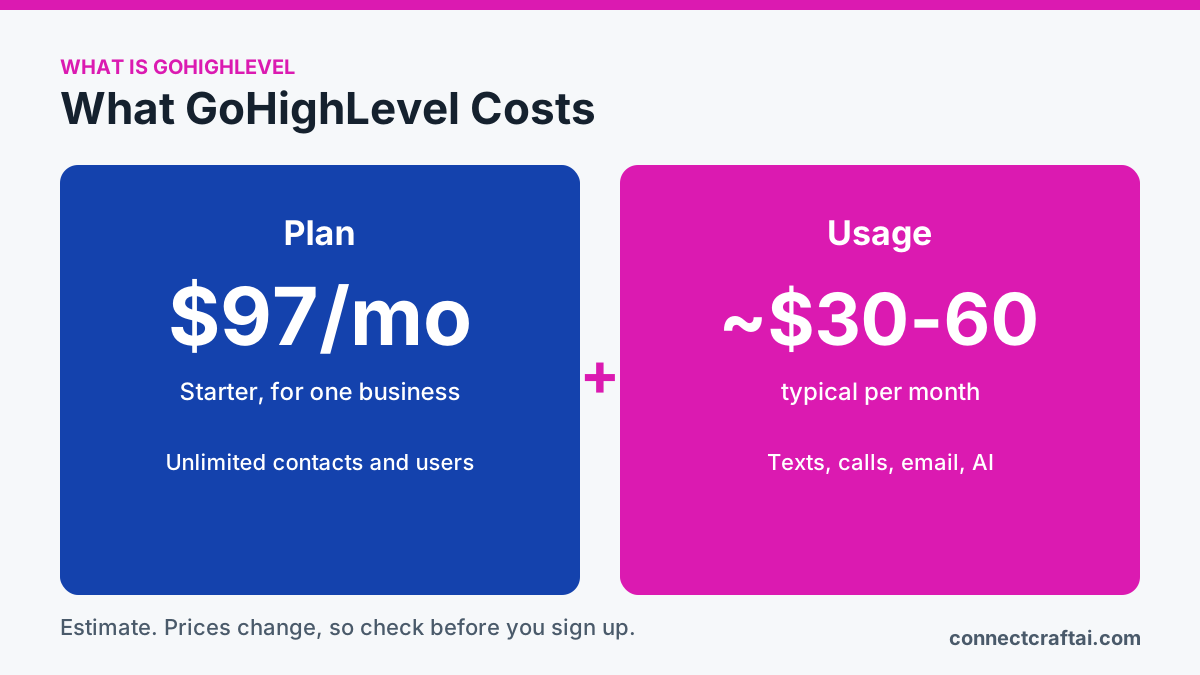
GoHighLevel plans are $97, $297 or $497 a month. A single business only needs the $97 Starter plan. Every plan includes unlimited contacts and users.
On top of the plan, you pay for what you use: texts, phone calls, emails and the AI that talks to your customers. A big month of promotional texts costs more than a quiet one. For most small businesses, usage adds about $30 to $60 a month.
Prices change, so check the pricing page before you sign up. I keep a full breakdown in GoHighLevel Pricing 2026. No software brings in customers by itself. It makes sure you stop losing the ones you already have.
What you need before you start
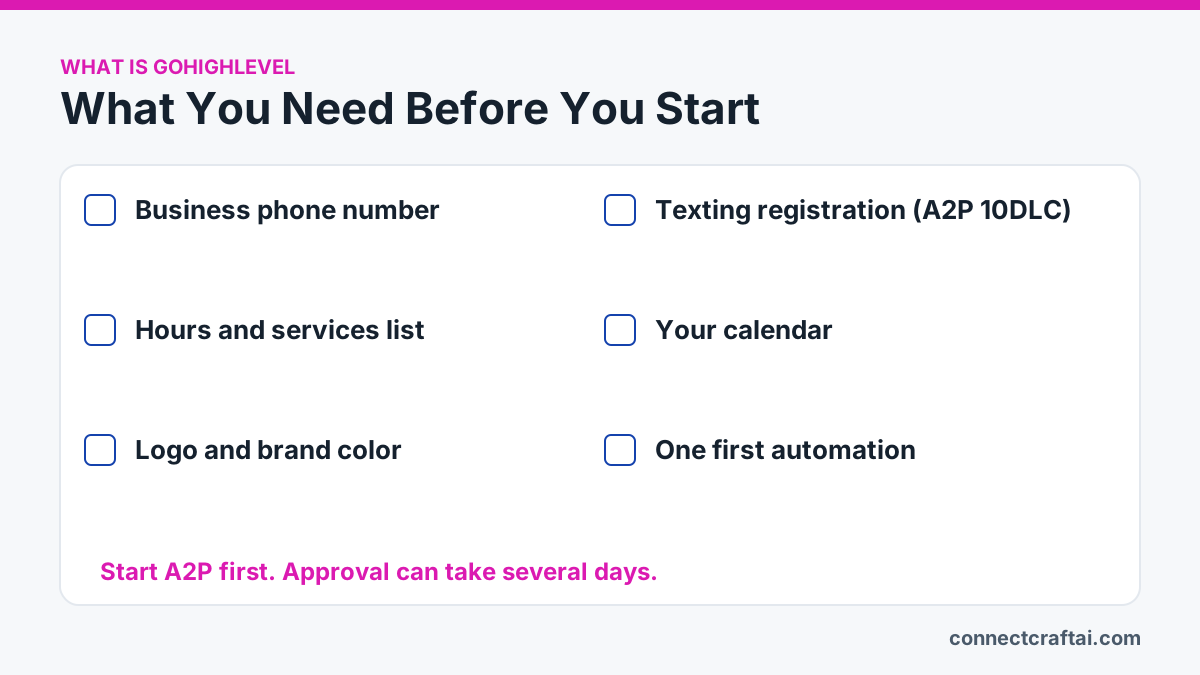
Gather these before your first login and setup goes twice as fast:
- A business phone number. Porting an existing number takes extra time. Do not use your personal cell for business texting.
- Texting registration (A2P 10DLC). US carriers require businesses to register before texting. A2P means application-to-person. 10DLC means a normal 10-digit local number used for business. Approval can take several days, so start early.
- Your hours and services list, with prices or price ranges if you share them.
- Your calendar. Know which one you live in. GoHighLevel can sync with Google Calendar.
- Your logo and main brand color.
- One first automation. Pick the follow-up that hurts most when it gets missed.
Your first-week plan
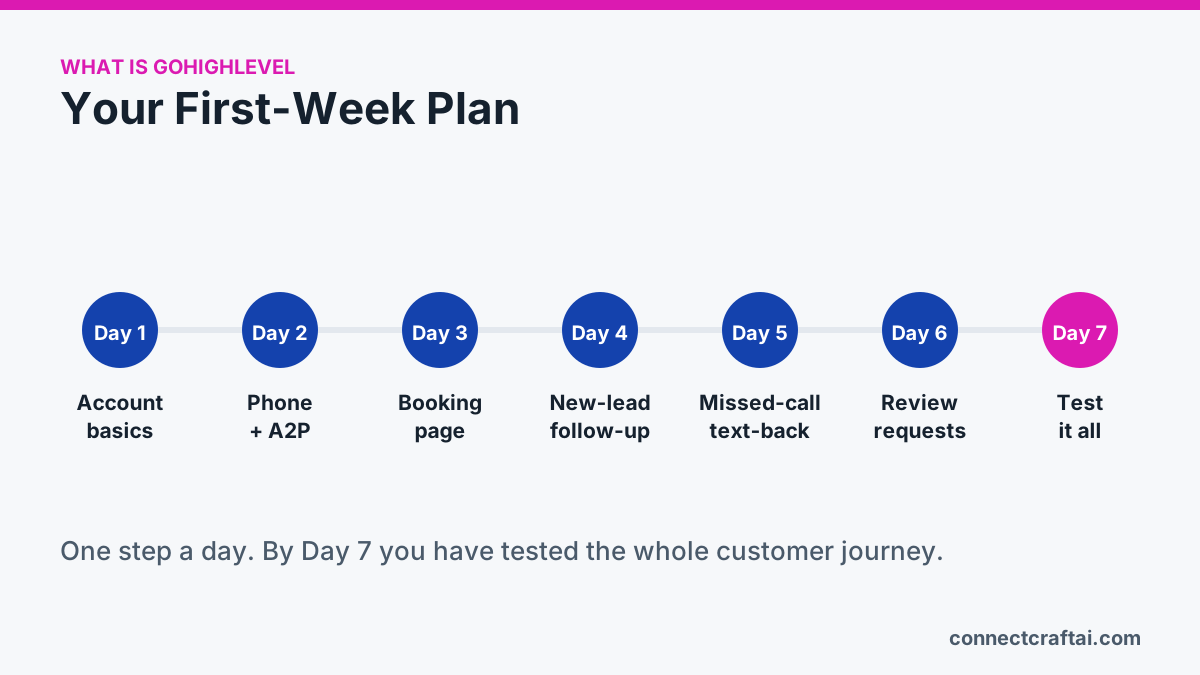
- Day 1, account basics. Add your business name, address, hours, time zone and logo. Invite anyone who answers messages. Leave automations alone for now.
- Day 2, phone and texting registration. Set up your number and start A2P registration. It is the step people skip, and it blocks everything else.
- Day 3, calendar and booking page. Set your availability and buffer time between jobs. Book yourself on your phone to test it.
- Day 4, new-lead follow-up. When a form comes in, send a text within a minute, then an email a day later if there is no reply.
- Day 5, missed-call text-back. Turn it on and make sure replies land in your inbox so a real person follows up.
- Day 6, review requests. When a job is marked complete, wait a day, then ask for a review. Add a private feedback option for unhappy customers.
- Day 7, test it all. Fill out your own form as a customer. Reply to the text, book, mark the job complete and watch the review request arrive. Fix what breaks.
Rather not set it up yourself?
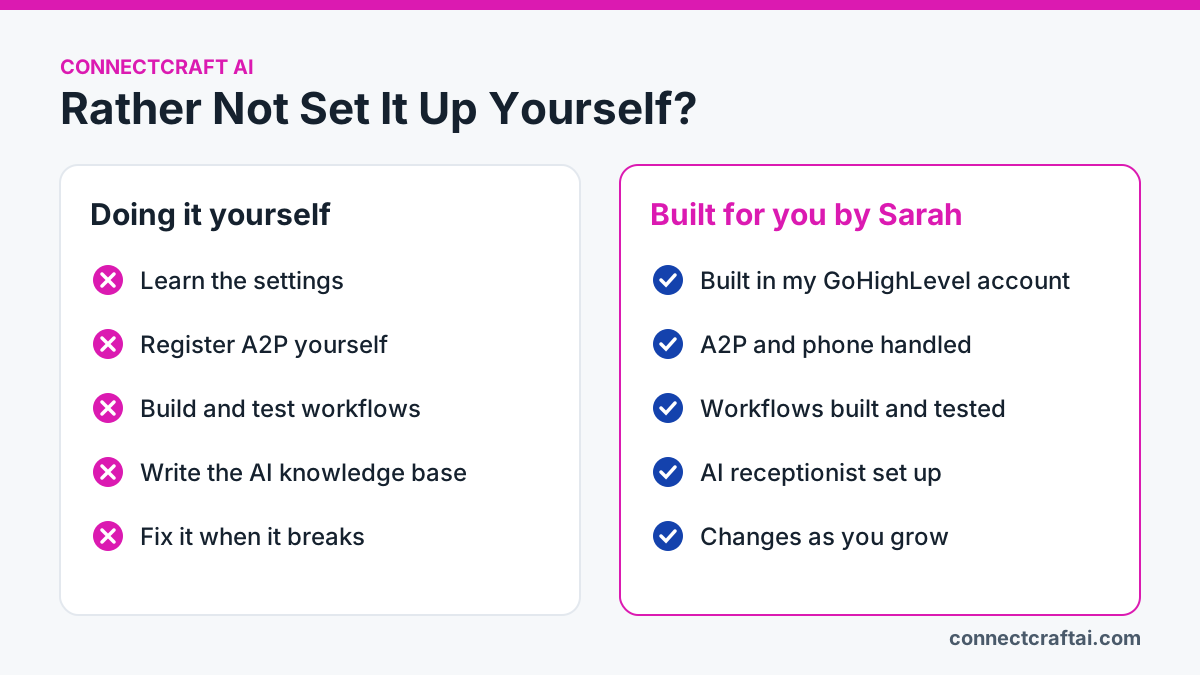
You don't have to. I can build your business inside my own GoHighLevel account, set up around how you actually sell, with the texting registration, booking, missed-call text-back, review requests and AI receptionist done and tested. See Build a Business in GoHighLevel.
Want to try it yourself first? Start a GoHighLevel free trial with my link, then book a free call and I'll help you get the first week right.
Common mistakes to avoid
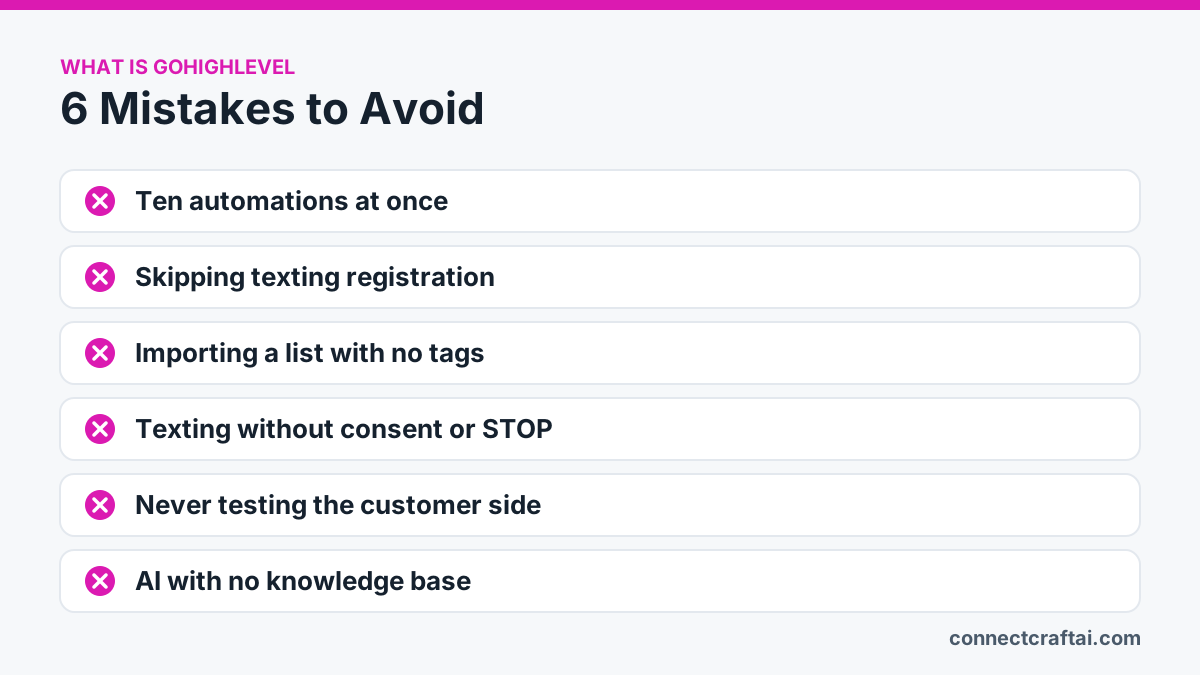
- Building ten automations at once. You won't know which one misfired. Add one, watch it a week, then add the next.
- Skipping texting registration. Your texts won't send, and you'll think the software is broken.
- Importing a messy list with no tags. Tag customers by service, area or last visit so every message goes to the right people.
- Texting without consent. Only text people who agreed to hear from you, include a way to opt out, and honor STOP right away.
- Never testing the customer side. Your customers see the texts, not the dashboard. Run through it yourself on your phone.
- Turning on AI with no knowledge base. It will make things up. Give it your real services, hours and policies first, and read its conversations each week.
Frequently asked questions
What is GoHighLevel used for?
GoHighLevel is used to manage leads and customers in one place: texting, email, booking, forms, invoices, reviews and automatic follow-up. Agencies also use it to run these systems for their clients.
Is GoHighLevel just a CRM?
No. The contact list is the foundation, but texting, email, booking, websites, payments, reviews and automation are all built into the same system.
Do I need to be technical to use GoHighLevel?
No. If you can use a smartphone and a web browser, you can run it. Setup takes patience, and many owners have it done for them.
Can GoHighLevel replace my website?
For many small businesses, yes. It can host a website, booking pages and forms. It also works alongside a website you already have.
Does GoHighLevel work with Google Calendar?
Yes. It can sync with Google Calendar so your existing appointments and new bookings stay together.
Can GoHighLevel AI answer my calls and chats?
Yes. Voice AI answers calls and Conversation AI answers chats and texts. They handle common questions and booking, and work best with a well-written knowledge base.
How long does GoHighLevel setup take?
The basics take a few hours. Texting registration can take several days, so start it first. A calm, complete setup takes about a week.
How much does GoHighLevel cost?
Plans start at $97 a month, plus usage for texts, calls, email and AI. Most single businesses only need the Starter plan.
Can I run GoHighLevel from my phone?
Yes. Replying, booking and taking payments all work from the mobile app.
Want GoHighLevel without the setup?
I build it around how your business actually works, test it, and stay on call when something needs to change.
See how it works →