Quick answer
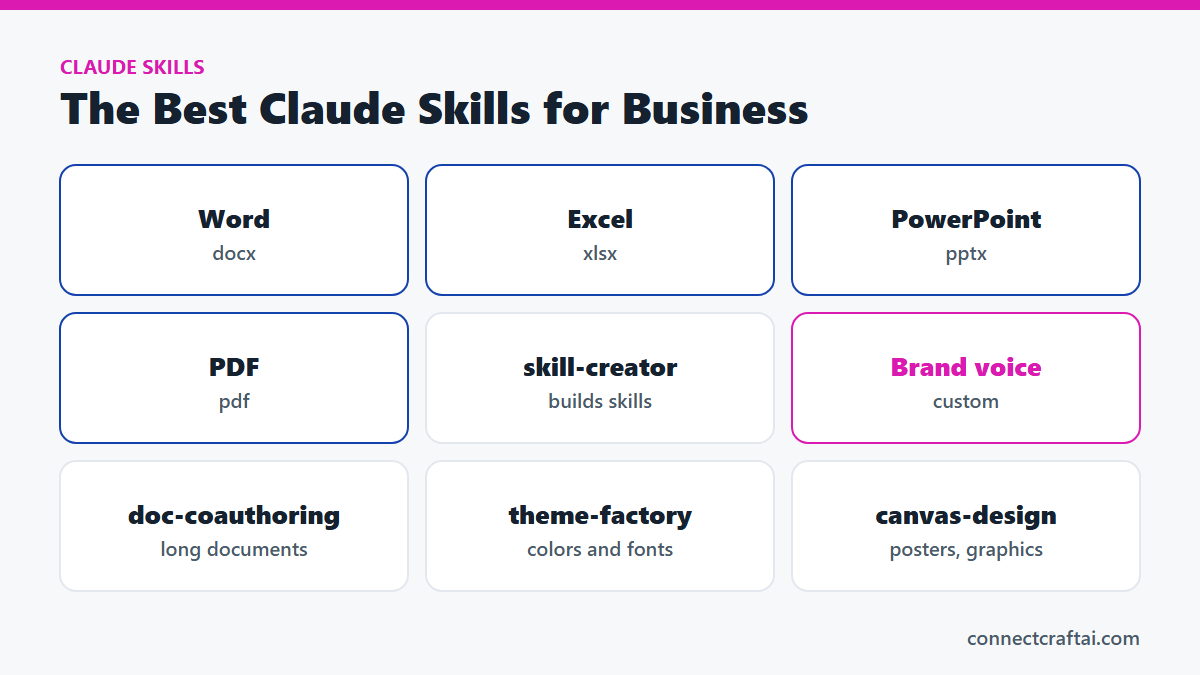
The best Claude skills for a small business are Anthropic's four document skills (Word, Excel, PowerPoint and PDF), skill-creator, doc-coauthoring, theme-factory, canvas-design and one custom brand voice skill. Turn on the built-in ones first, then add a skill for the task you repeat most.
Search for the best Claude skills and you get pages of lists written for developers: commit messages, unit tests, code review. That is useful if you write software. It is not much help if you run a service business and want Claude to write a proposal, clean up a spreadsheet or sound like you.
I build Claude skills and plugins for coaches, consultants and service businesses, and I use Claude every day in my own business. This is the list of skills I keep turned on, checked against Anthropic's own skills repository and help center in November 2026. I will also tell you which ones you can skip.
What are Claude skills?
Claude skills are folders of instructions, scripts and resources that Claude loads when a task calls for them. Anthropic says they teach Claude to complete specific tasks in a repeatable way. You don't call a skill by hand in the Claude app. Claude reads your request, decides which skills are relevant and loads only those.
Anthropic calls that progressive disclosure, and it is why you can keep many skills turned on without slowing every chat down. If you want the longer explanation, including how a skill compares to a prompt, a project and a plugin, I cover it in marketing skills for Claude worth installing.
What are the best Claude skills?
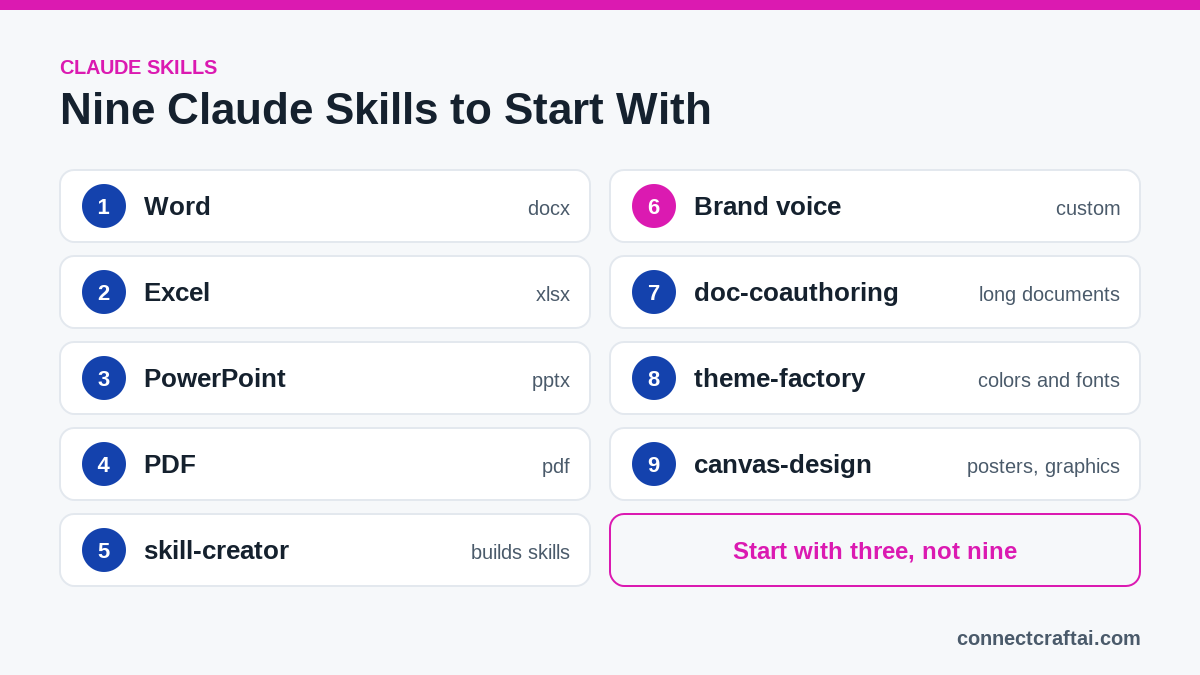
The best Claude skills are the ones that match work you already do every week. For most small businesses that means the four document skills Anthropic maintains, the skill that builds other skills, two or three writing and design helpers, and one custom skill that holds your brand voice. Here are the nine I would start with.
1. Word documents (docx)
This skill lets Claude create and edit real Word files, with headings, tables of contents, page numbers and letterheads. It also handles tracked changes and comments. Ask for a proposal, a contract summary, a memo or a letter and you get a file you can send, not text you have to paste and format.
2. Excel spreadsheets (xlsx)
The spreadsheet skill opens, fixes and builds Excel and CSV files. Anthropic's description covers adding columns, computing formulas, formatting, charting and cleaning messy data. This is the one to reach for when you have an export from your CRM or bookkeeping tool that needs sorting out.
3. PowerPoint presentations (pptx)
This one builds slide decks and pitch decks, edits existing presentations and works with templates and speaker notes. If you ask Claude for a presentation and the capability is on, it uses this skill on its own.
4. PDF
The PDF skill reads and extracts text and tables, merges and splits files, fills in forms, adds watermarks and runs OCR on scanned pages so they become searchable. For a small office that lives in PDFs, like intake forms, estimates and signed agreements, it earns its place quickly.
5. skill-creator
This is the skill that makes skills. You describe a job you do over and over, and it helps you write the skill, improve it and tune the description so Claude picks it up at the right time. If you only add one thing beyond the document skills, add this.
6. A brand voice skill (custom)
Anthropic does not ship this one, because it has to be about you. A brand voice skill holds the words you use, the words you never use, and how you open and close. Every other piece of writing Claude does gets better once it exists. I explain how to write one in how to build a brand voice guide AI can actually use.
7. doc-coauthoring
This skill walks you through writing a longer document in three stages: gathering context, refining the structure, and testing it from the reader's side. It is built for proposals, specs and decision documents. Use it when a blank page is the thing slowing you down.
8. theme-factory
Theme-factory styles what Claude makes. It comes with 10 preset themes of colors and fonts that it can apply to slides, documents, reports and HTML landing pages, and it can create a new theme on request. It is the quickest way to stop every deck looking like a default template.
9. canvas-design
Canvas-design creates static visuals, like posters and simple designs, as PNG and PDF files. It will not replace a designer, but it is handy for a flyer, an event graphic or a quick social image when you need something today.
| Skill | What it does | Best for | Made by |
|---|---|---|---|
| docx | Creates and edits Word documents | Proposals, letters, memos | Anthropic |
| xlsx | Builds, cleans and charts spreadsheets | CRM exports, budgets, price lists | Anthropic |
| pptx | Builds and edits slide decks | Pitches, workshops, client reports | Anthropic |
| Reads, merges, splits and fills PDFs | Forms, estimates, scanned paperwork | Anthropic | |
| skill-creator | Builds and improves your own skills | Any task you repeat weekly | Anthropic |
| Brand voice | Makes Claude write the way you talk | Everything you publish | You, or a ready-made plugin |
| doc-coauthoring | Guides a long document in three stages | Proposals and plans | Anthropic |
| theme-factory | Applies colors and fonts to what Claude makes | Decks, reports, landing pages | Anthropic |
| canvas-design | Creates posters and static designs | Flyers and quick graphics | Anthropic |
Two more are worth a look if they fit you. Internal-comms writes status reports, newsletters and project updates in a set format, which helps once you have a team. Brand-guidelines applies Anthropic's own colors and typography, so it is not useful as is, but it is a good pattern to copy when you write a skill for your own brand.
Which Claude skills are official?
Official skills are the ones Anthropic creates and maintains. The help center names enhanced document creation for Excel, Word, PowerPoint and PDF, which are available to all users and run automatically when relevant. Anthropic also publishes these and its example skills in a public GitHub repository, many of them open source under the Apache 2.0 license.
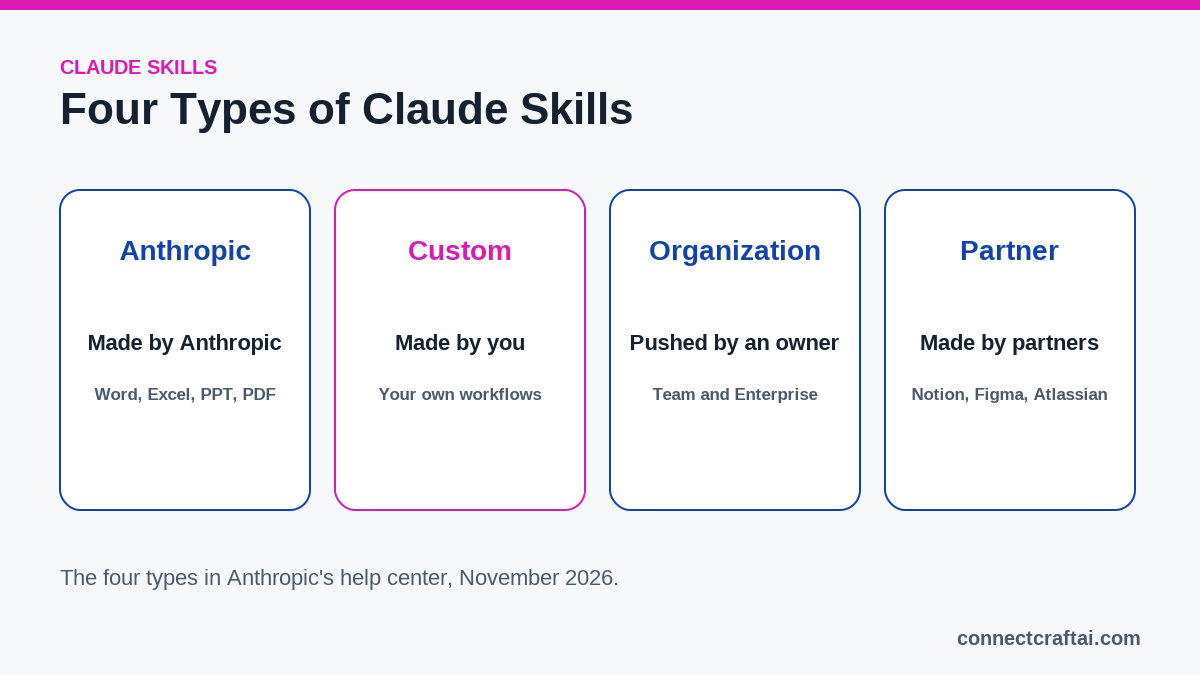
Anthropic's help center describes four types of skills:
- Anthropic skills. Made and maintained by Anthropic, like the four document skills.
- Custom skills. Ones you or your business create for your own workflows.
- Organization provisioned skills. On Team and Enterprise plans, an owner can push skills to every user.
- Partner skills. Built by companies like Notion, Figma and Atlassian to work with their connectors.
When I checked the Anthropic skills repository on GitHub, the skills folder held 19 skills. Anthropic notes that they are provided for demonstration and education, and that what you get inside Claude may differ from the code in the repository. You can read the short definitions in Anthropic's article on what skills are.
Which Claude skills can a small business skip?
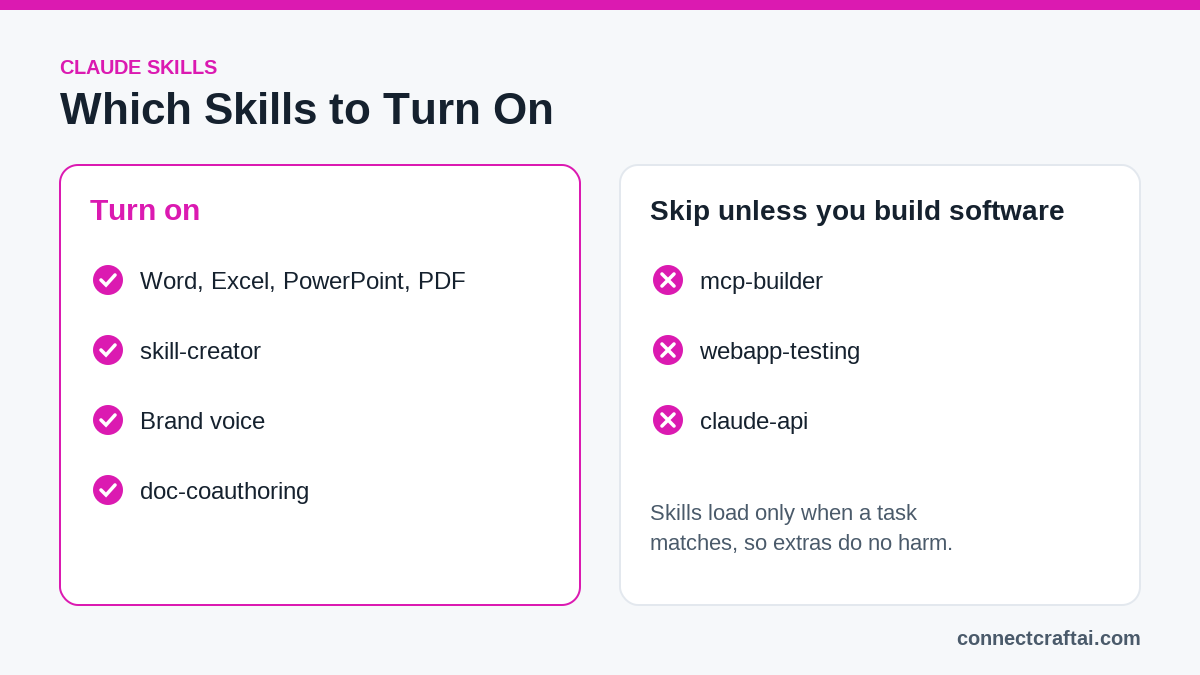
You can skip the developer skills unless you build software. In Anthropic's repository that includes mcp-builder, webapp-testing and claude-api. The repository lists testing web apps and MCP server generation among its technical tasks. Most of the "best Claude skills" lists online lean the same way, toward coding.
Skipping them costs you nothing. Skills only load when a task matches, so a skill you never trigger just sits there. But a shorter list is easier to manage, and it is easier to see which skill Claude used when something goes wrong. Turn on what matches your work and leave the rest off.
Are Claude skills free?
Yes, the feature is free to use. Anthropic's help center says skills are available on Free, Pro, Max, Ultra, Team and Enterprise plans, as long as code execution is enabled. Anthropic's own skills cost nothing extra. What you may pay for is a ready-made skill or plugin that someone else has built and tested for a specific job.
How do I find and install Claude skills?
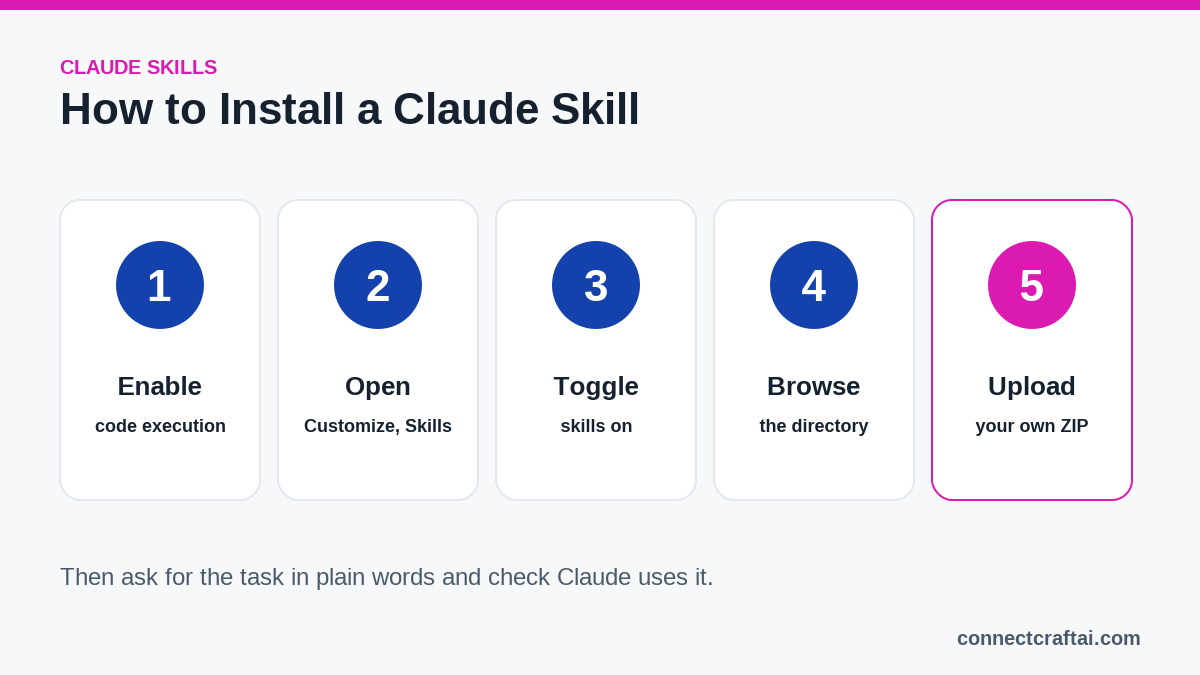
In the Claude app, go to Customize, then Skills, and toggle on the ones you want. To browse more, click the plus button and choose Browse skills to open the directory. To add your own, upload the skill folder as a ZIP file from the same screen. Code execution and file creation must be turned on first.
- Go to Settings, then Capabilities, and make sure code execution and file creation is enabled.
- Open Customize, then Skills.
- Toggle on the built-in skills you want.
- Click "+" and then "Browse skills" to see the directory, including partner skills.
- To add a custom skill, click "+", then "+ Create skill", then "Upload a skill", and upload the ZIP.
- Ask for the task in plain words and check that Claude uses the skill.
In Claude Code, you can add Anthropic's repository as a plugin marketplace with /plugin marketplace add anthropics/skills, then install the document skills or the example skills from it. Anthropic's guide to using skills in Claude has the full steps for every plan.
Are third-party Claude skills safe to install?
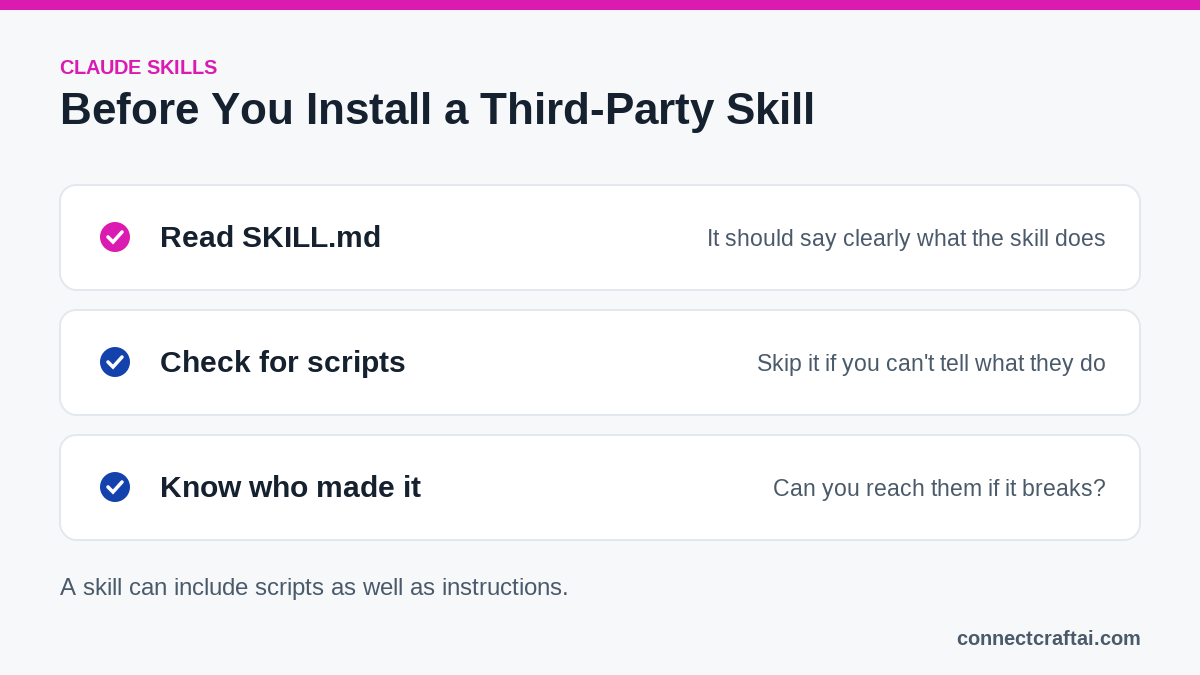
Treat a third-party skill the way you would treat any file you download. A skill can include scripts as well as instructions, so it can do more than change how Claude writes. Anthropic's own repository tells people to test skills thoroughly before relying on them, and its Enterprise plan offers scanning of uploaded skills for malicious content.
Before you install a skill from a list or a social post, do three things:
- Open the SKILL.md file and read it. It is plain text, and it should say clearly what the skill does.
- Check whether the folder contains scripts, and skip it if you can't tell what they do.
- Know who made it, and whether you can reach them if something breaks.
How to pick your first three skills
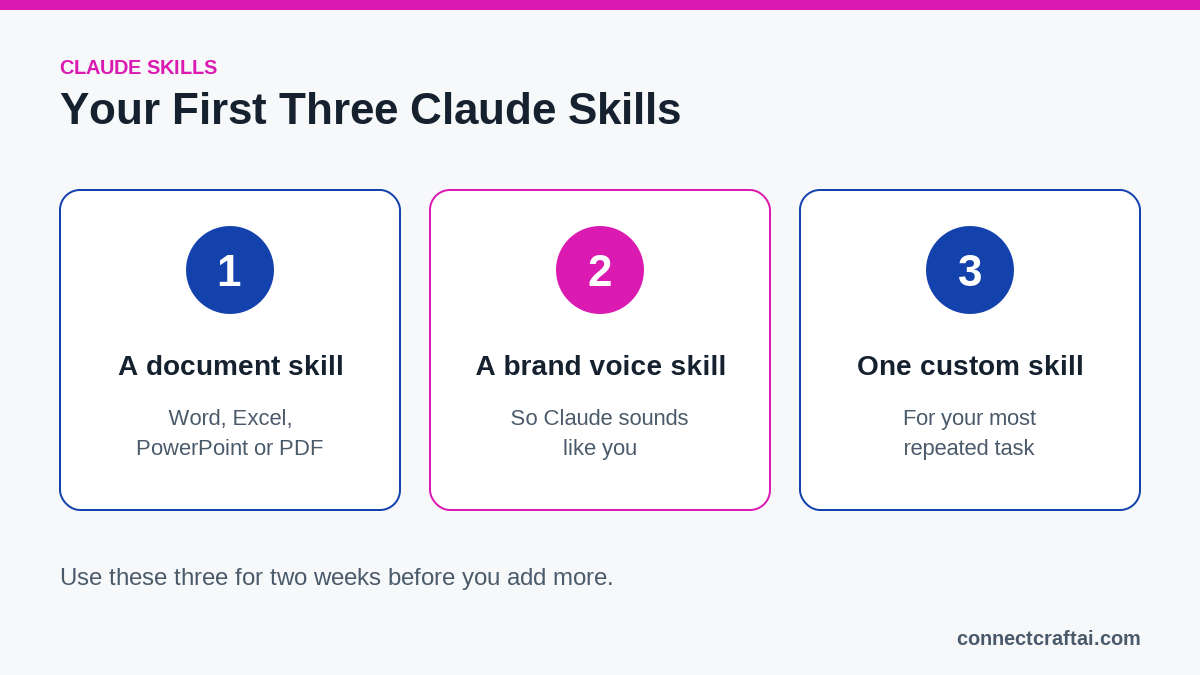
- Turn on the document skill you would use this week. Word if you send proposals, Excel if you live in exports, PowerPoint if you present, PDF if you handle forms.
- Add a brand voice skill. Write your own or install one, so everything Claude writes sounds like you.
- Build one skill for your most repeated task. Use skill-creator, and give it a real example of a result you were happy with.
Use those three for two weeks before you add anything else. If Claude's writing still reads like a robot, my kill list of 20 words to ban from AI prompts is a good next fix.
Want Claude skills already built for your business?
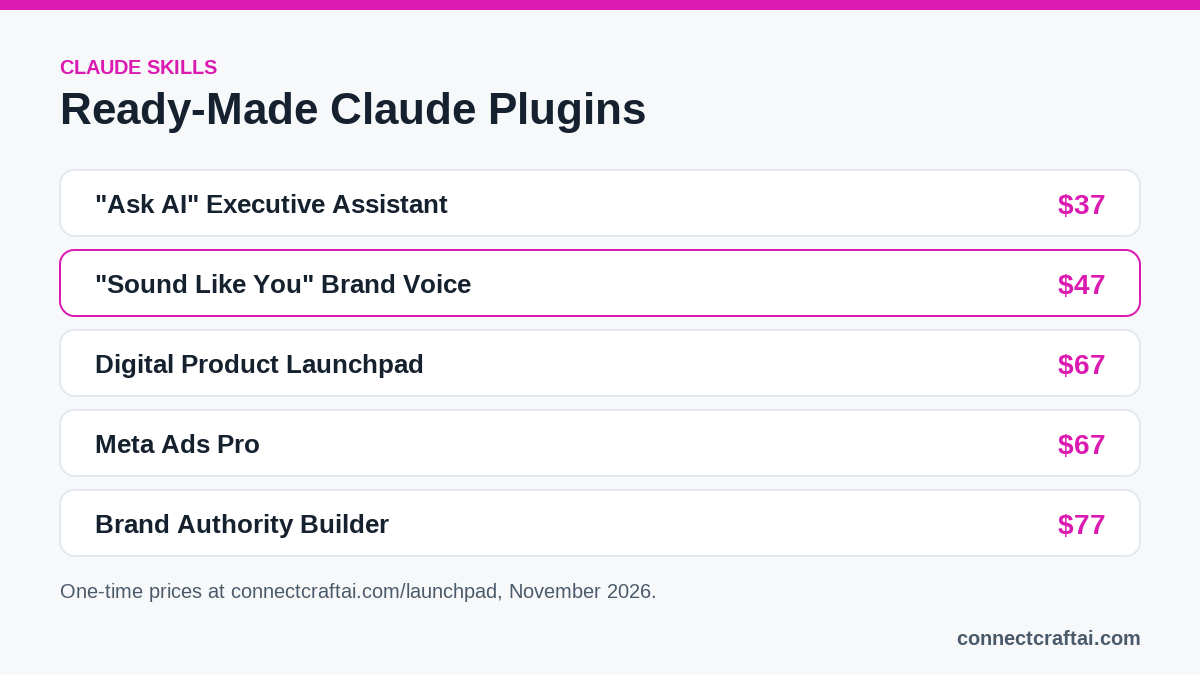
If you would rather not build from scratch, I sell ready-made Claude plugins at the ConnectCraft Launchpad store. A plugin is a package of skills that work together. Each one is a one-time price, and it installs by dragging the file into the Claude desktop app. You need a paid Claude plan to run them.
- "Sound Like You" Brand Voice Plugin, $47. Extracts your voice, tone and style, then writes in it.
- "Ask AI" Executive Assistant Plugin, $37. Email, meeting prep, daily priorities, documents and research.
- Digital Product Launchpad, $67. Ten skills that walk you from research to launch plan.
- Meta Ads Pro, $67. Thirteen skills for Facebook and Instagram ads in your voice.
- Brand Authority Builder, $77. Profile copy for six platforms, a competitor gap analysis and a customer acquisition plan.
Not sure which one fits, or whether you need one at all? Book a free 15-minute call and I will point you to the right one.
Frequently asked questions
What is the most useful Claude skill?
For most small businesses, it is whichever document skill matches your daily work, usually Word or Excel, because it turns Claude's answers into files you can send. After that, a brand voice skill has the widest effect, since it improves everything Claude writes for you.
How many Claude skills should I install?
Start with three and add more only when you notice a task you keep repeating. Skills load only when relevant, so extra ones do not slow Claude down, but a short list is easier to manage and troubleshoot.
Do Claude skills work on the free plan?
Anthropic's help center says skills are available on Free, Pro, Max, Ultra, Team and Enterprise plans, and that code execution must be enabled. The ready-made plugins in my store need a paid Claude plan and the Claude desktop app.
What is the difference between a Claude skill and a plugin?
A skill is one saved playbook for one task. A plugin is a package that can hold several skills that work together, like a full ads system or a product launch workflow. You install a plugin once and all of its skills are ready.
Do I need to know how to code to use Claude skills?
No. Anthropic says anyone can create a skill by writing instructions in Markdown, with no coding needed for simple skills. The skill-creator skill helps you create one and improve it.
Skip the setup and install skills that already work
Ready-made Claude plugins for brand voice, daily admin, ads and product launches. One-time prices from $37.
Browse the Claude plugins →