Quick answer
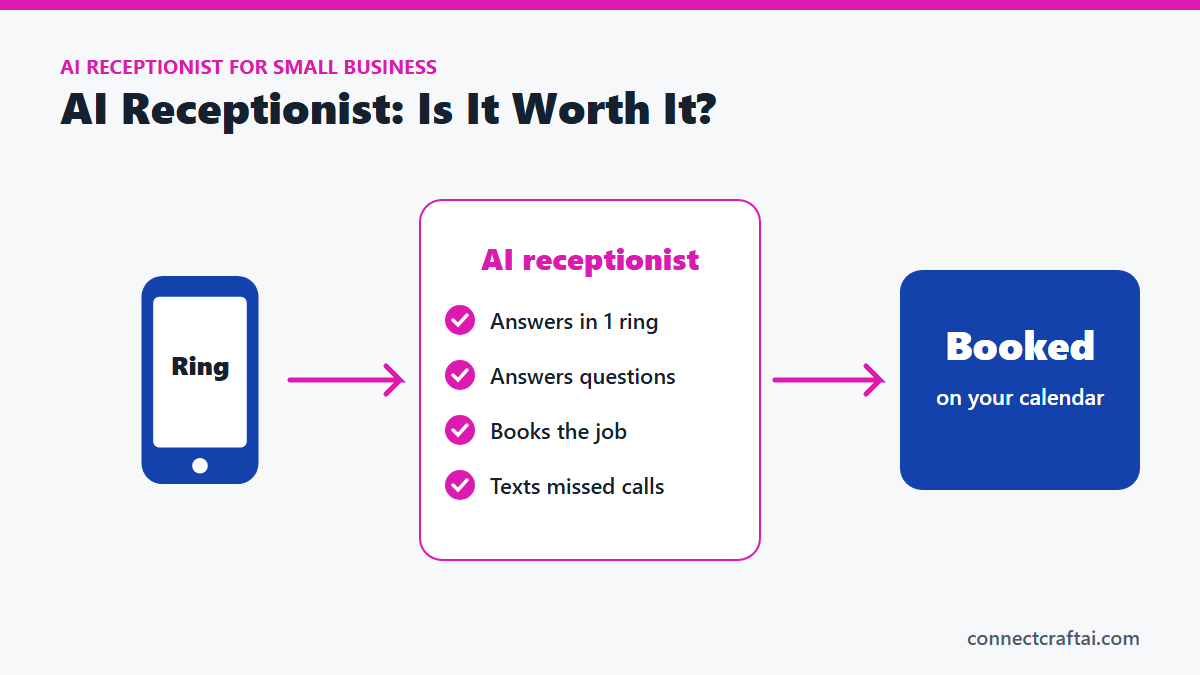
An AI receptionist answers your business phone, answers common questions, books appointments and texts back missed calls, 24/7. Most small businesses pay $30 to $300 a month. It is worth it if your phone brings in jobs and you miss calls while you work. It is not worth it if your phone barely rings.
If you run a small business, you have worn the receptionist hat more than you would like. The phone rings while you are with a customer, on a ladder or under a car. You let it go to voicemail and hope they leave one. Most don't. They call the next business on the list.
That is why an AI receptionist for small business is getting so much attention. I build these for service businesses and run one for my own. Here is what one actually does, what it costs, where it falls short, and how to tell if it is worth it for you.
What is an AI receptionist?
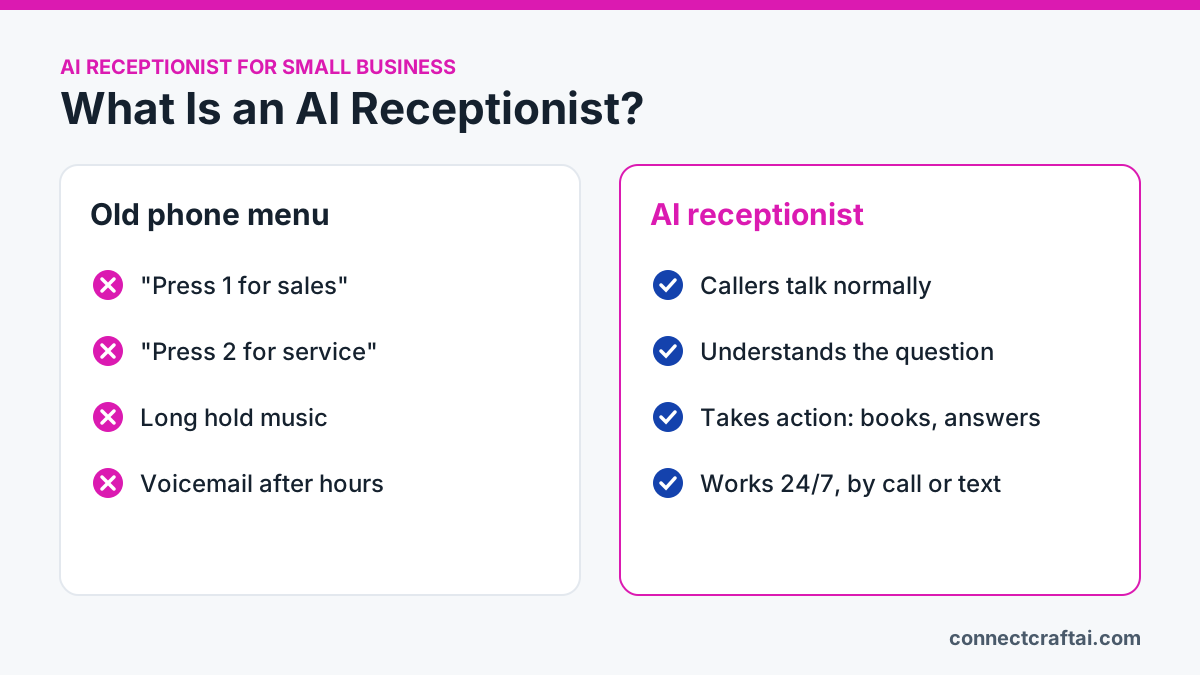
An AI receptionist is software that answers your business phone in a natural-sounding voice. It figures out what the caller needs and takes action, like answering a question or booking an appointment. No person has to pick up.
It is not the old "press 1 for sales" phone menu. Callers talk normally, and the AI understands questions asked in different ways. Good ones can also text, chat on your website and reply to social messages, so one system covers every way a customer reaches you.
What an AI receptionist does day to day
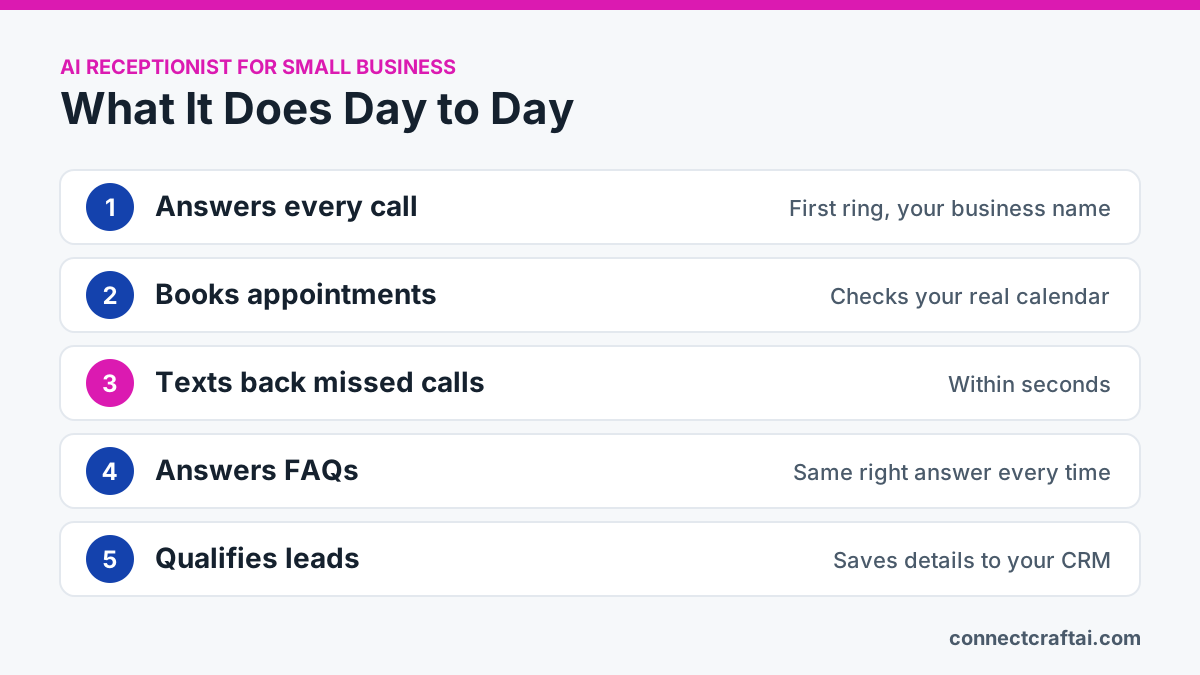
1. Answers every call
The AI picks up on the first ring with a greeting in your business's name, then works out whether the caller wants to book, get prices or hours, reach a person, or ask about a service. Lunch breaks, evenings and busy rushes stop sending people to voicemail.
2. Books and manages appointments
Connected to your calendar, it checks your real availability, offers times and confirms the booking during the call. It can reschedule, cancel, send confirmations and leave notes for your team, like "customer has a dog."
3. Texts back missed calls
If a caller hangs up before it answers, they get a text within seconds: "Sorry we missed you, how can we help?" The conversation carries on by text, and many of those callers book right there. I wrote about why this matters in The $500 Voicemail Problem.
4. Answers the same questions so you don't have to
Hours, service area, walk-ins, rough pricing. You give it a knowledge base, which is a written list of your answers, and it gives callers the same correct answer every time. Fewer interruptions for you, no hold music for them.
5. Captures and qualifies leads
Instead of just taking a name and number, it asks a few questions: what service, where, how soon. It saves the answers to your CRM and flags the urgent ones so you call those back first.
What does an AI receptionist cost?
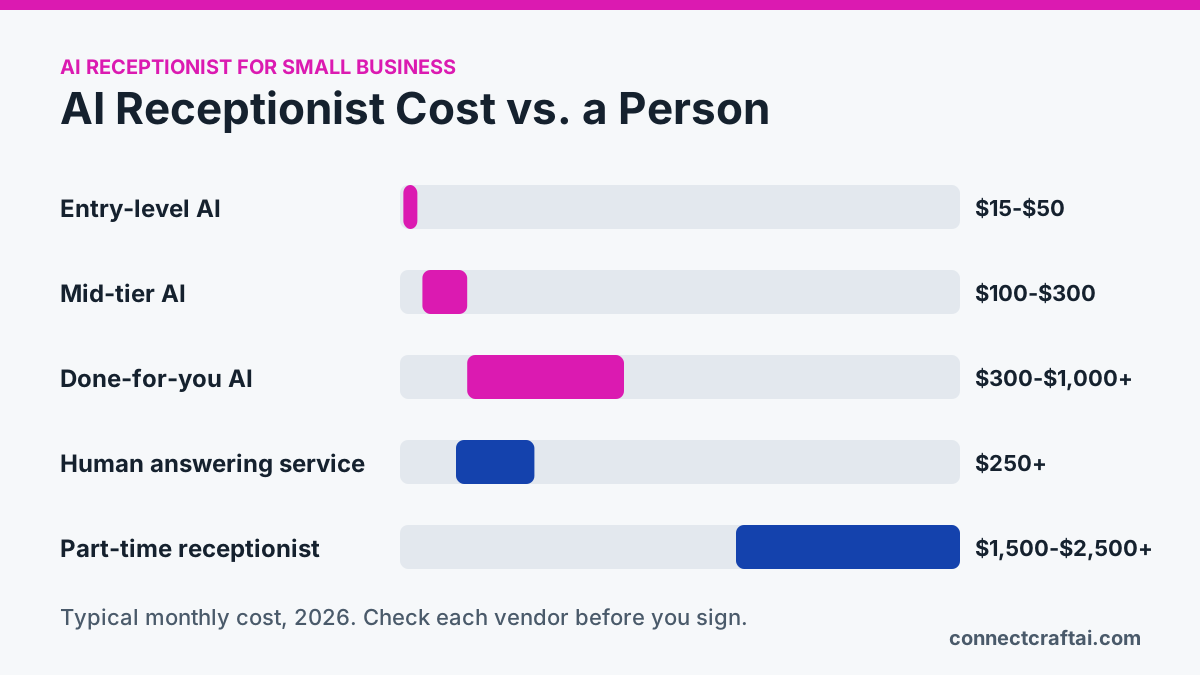
| Option | Typical cost | What you get |
|---|---|---|
| Entry-level AI answering | $15 to $50/month | Answers and takes messages, limited minutes |
| Mid-tier AI receptionist | $100 to $300/month | Booking, call transfers, more minutes |
| Done-for-you AI system | $300 to $1,000+/month | Set up, connected to your calendar and CRM, text-back, reviews, someone to fix it |
| Human answering service | $250+/month | A real person, billed by the minute or call |
| Part-time receptionist | $1,500 to $2,500+/month | One person, business hours only |
Watch how you are charged. Some charge per minute, some per call, some a flat monthly fee. The wrong model can turn a $49 plan into a $240 bill. I break down every pricing model and the hidden fees in How Much Does an AI Receptionist Cost?
The math that matters is simple: how many extra jobs does it take to pay for itself? For most service businesses, one or two booked jobs a month covers it.
Who is an AI receptionist best for?
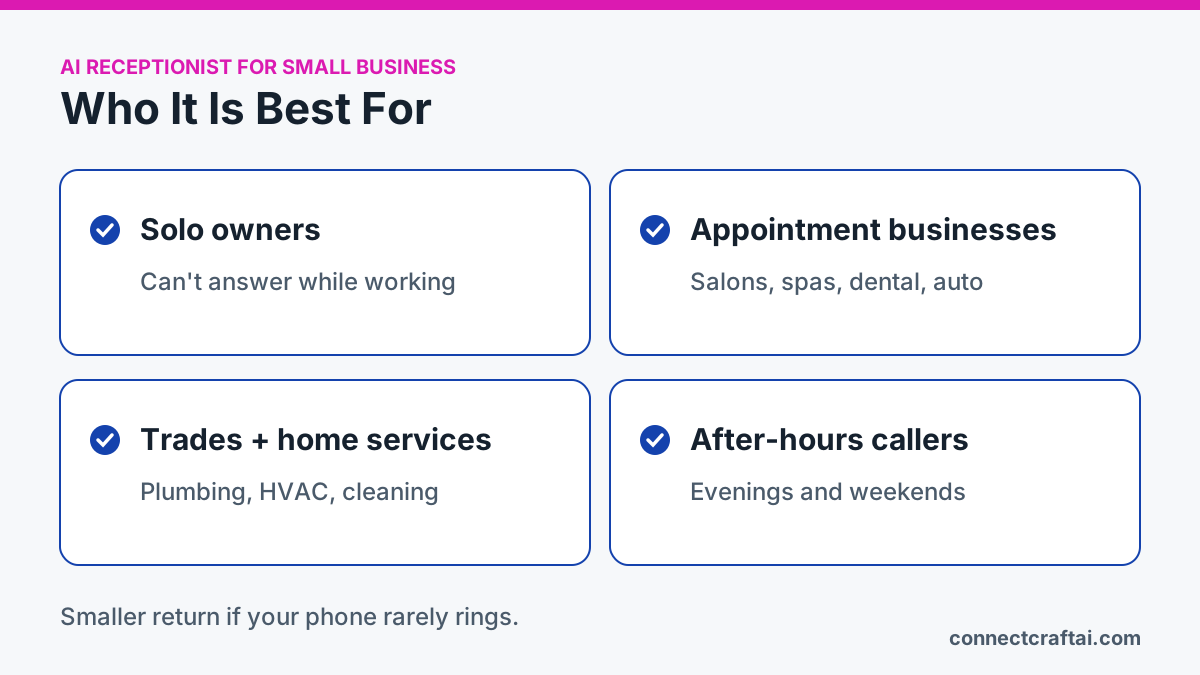
- Solo owners and small teams. Contractors, coaches, mobile groomers and detailers who can't answer while they work.
- Appointment-based businesses. Salons, spas, dental and wellness offices, and auto shops that live on their calendar.
- Trades and home services. Plumbers, HVAC, landscapers and cleaners who miss calls on job sites.
- Businesses that get after-hours calls. Urgent repairs, restaurants and anyone whose customers call evenings and weekends.
If almost all your business comes from email or online forms and the phone barely rings, you will see a smaller return.
Where an AI receptionist falls short
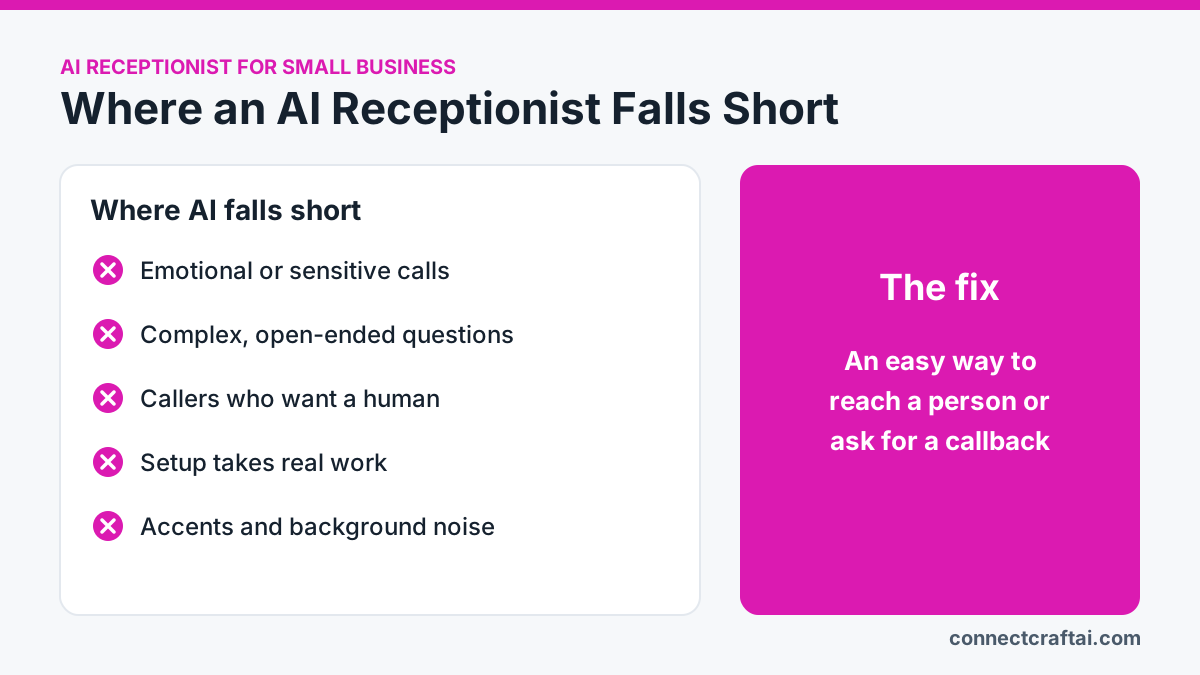
- Emotional or sensitive calls. Emergencies and upset customers usually need a person.
- Complex, open-ended questions. It is great at booking, FAQs and routing. Deep advice on the first call still needs you.
- Some callers want a human. A few will hang up on any AI. A clear, friendly greeting helps but won't win everyone.
- Setup takes work. Call flows, the knowledge base and calendar connection all need to be built and tested. Once tuned, it mostly runs itself.
- Misunderstandings happen. Accents, background noise and odd requests can trip it up.
The fix for most of these is the same: give callers an easy way to reach a person or ask for a callback. The AI handles the routine calls, and the tricky ones come to you.
So, is an AI receptionist worth it?
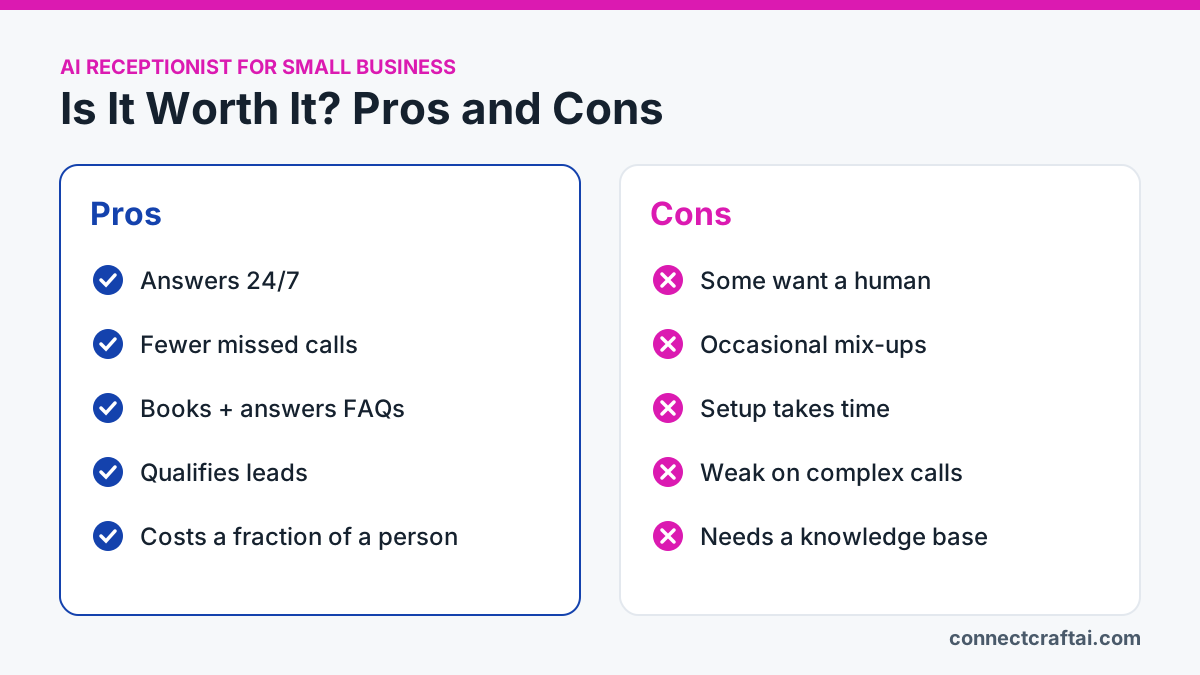
| Pros | Cons |
|---|---|
| Answers 24/7, no sick days | Some callers prefer a human |
| Fewer missed calls and voicemails | Occasional misunderstandings |
| Books and answers FAQs for you | Takes time to set up well |
| Captures and qualifies leads | Weak on emotional or complex calls |
| A fraction of the cost of a person | Needs a good knowledge base |
It is worth it if your phone brings in jobs and you are missing calls, leaning on voicemail or getting interrupted all day. For less than a day of a human receptionist's pay each month, every call gets answered.
It is not worth it if your phone rarely rings, or most of your calls are sensitive conversations that need a person.
How to decide in 15 minutes
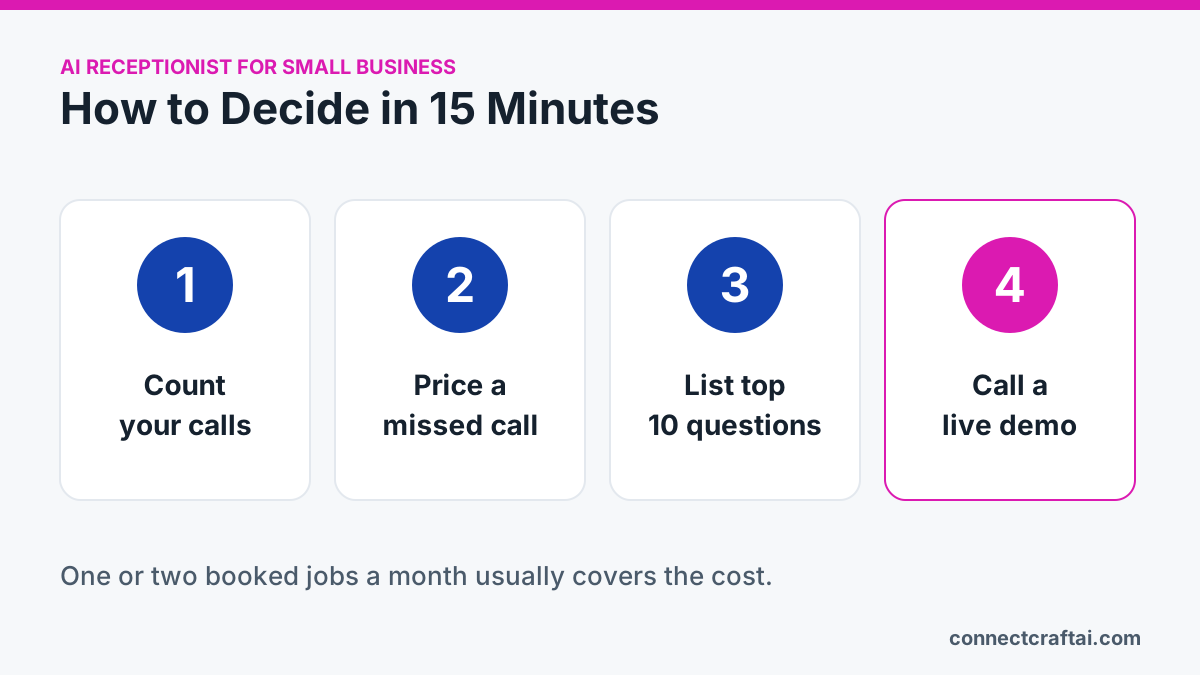
- Count your calls. Pull last month's call log and count calls and missed calls.
- Put a price on a missed call. Multiply missed calls by how often a caller becomes a job and what a job is worth.
- List your top 10 questions and your appointment types. That becomes the knowledge base.
- Call a live demo and listen as if you were your customer.
You can call two of mine right now: the car detailing demo and the real estate demo. They are live AI receptionists, so you hear exactly what a caller would hear.
Want one set up for you?
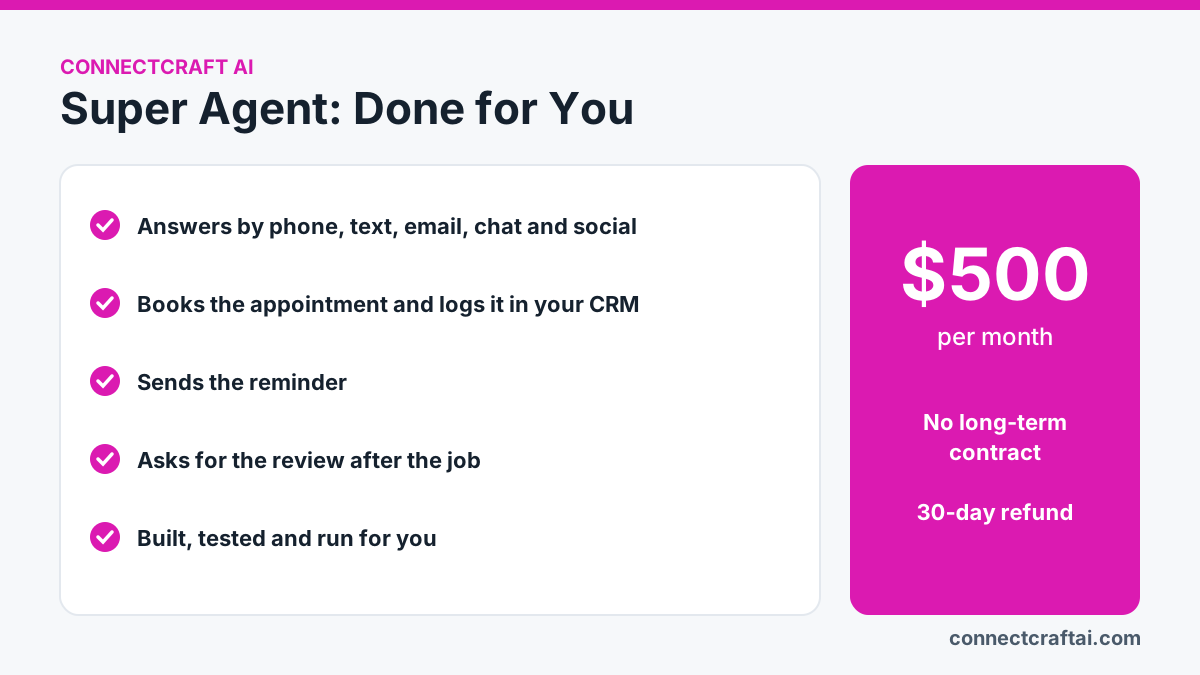
Most AI receptionist tools hand you the software and leave the setup to you. Super Agent is the AI receptionist I build and run for service businesses, on GoHighLevel.
- Answers every lead in seconds, by phone, text, email, web chat, Facebook, Instagram and Google
- Books the appointment and logs it in your CRM
- Sends the reminder, then asks for the review after the job
- $500 a month, no long-term contract. If it isn't working after 30 days, I refund the month.
See AI Receptionists for the details, or book a 15-minute call and I'll tell you honestly whether you need one. If the answer is no, I'll tell you that too.
Frequently asked questions
What does an AI receptionist do?
An AI receptionist answers your business calls, answers common questions, books and reschedules appointments, texts back missed calls and captures lead details, 24 hours a day.
How much does an AI receptionist cost for a small business?
Most small businesses pay $30 to $300 a month for AI receptionist software. Done-for-you systems that are set up and maintained for you cost more, often $300 to $1,000 a month.
Is an AI receptionist better than a human receptionist?
For routine calls, booking and after-hours coverage, an AI receptionist is cheaper and always available. For emotional, sensitive or complex calls, a human is still better. Many businesses use AI for routine calls and send the rest to a person.
Will customers know they are talking to AI?
Usually, and that is fine. Modern AI voices sound natural, and a transparent greeting builds trust. Most callers care more about getting an answer than who gives it.
Can an AI receptionist book appointments?
Yes. When it is connected to your calendar, it checks availability, offers times and confirms the booking during the call, then sends a confirmation.
What happens if the AI can't answer a question?
A good setup takes a message, offers a callback or transfers the call to a person. It should never guess, which is why the knowledge base matters.
How long does it take to set up an AI receptionist?
A basic setup takes a few hours. A well-tested one, with your calendar, CRM, missed-call text-back and tricky-call handling, usually takes one to two weeks.
This post is part of the complete AI receptionist guide, which links every related article in one place.
Sources
Outside pages this guide relies on (checked November 22, 2026):
Stop losing jobs to voicemail.
Super Agent answers every call, texts back every missed one, and books the job. $500/mo, no contract.
See Super Agent →